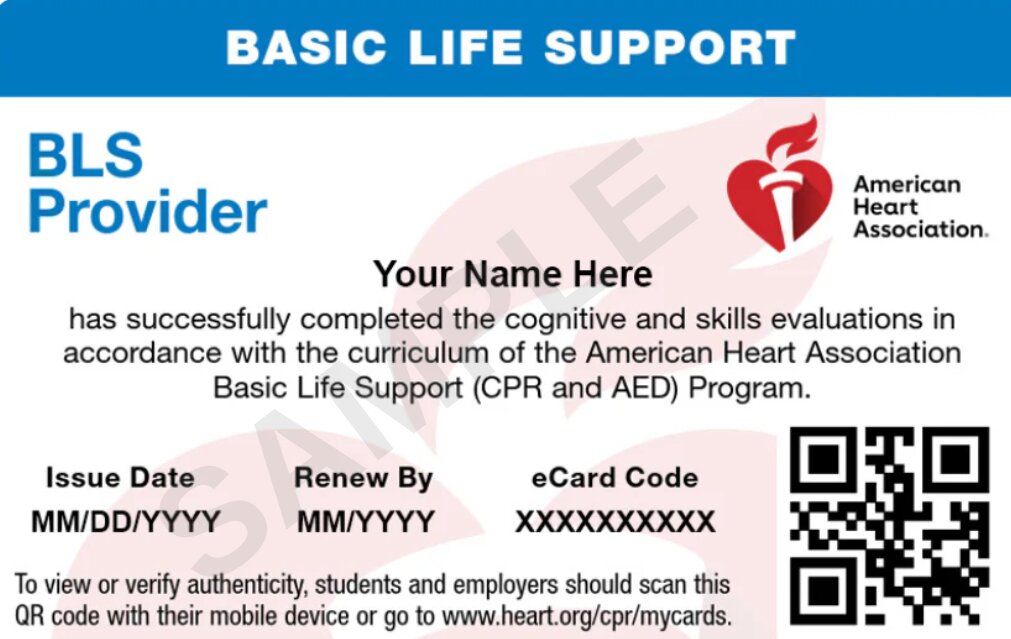
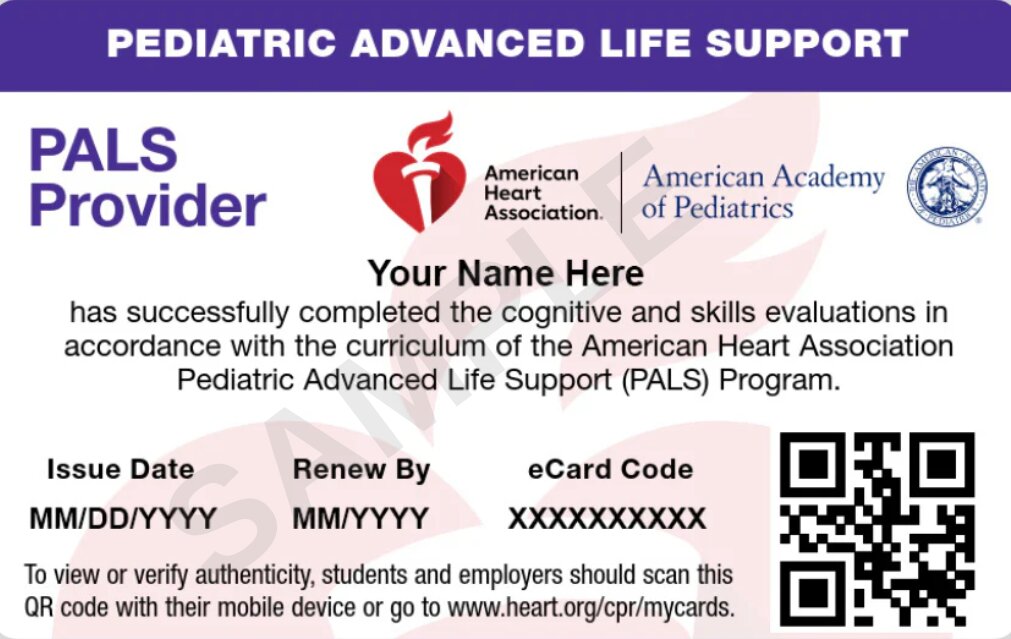
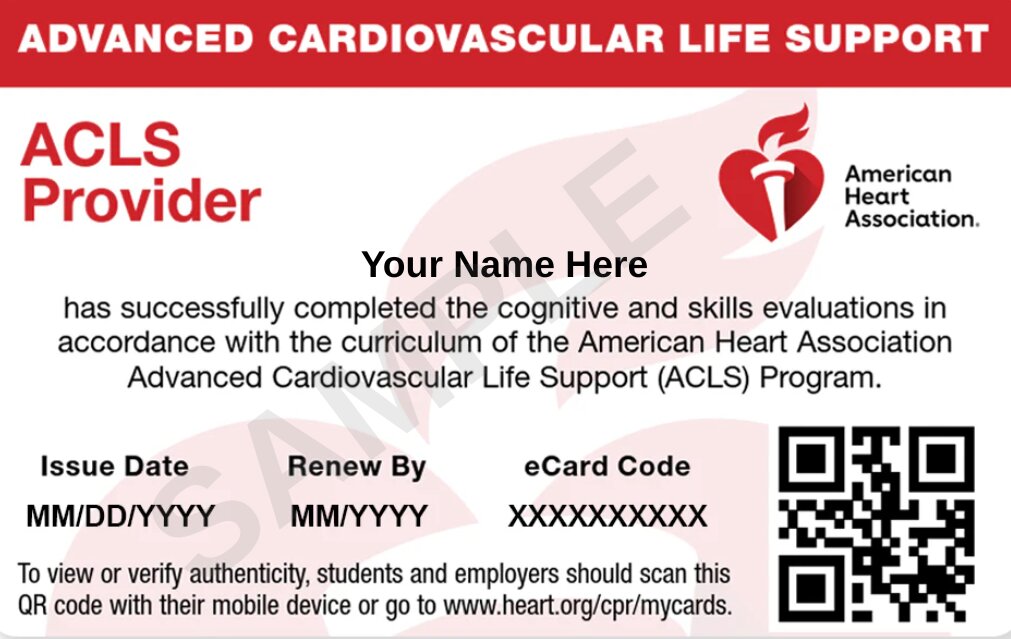
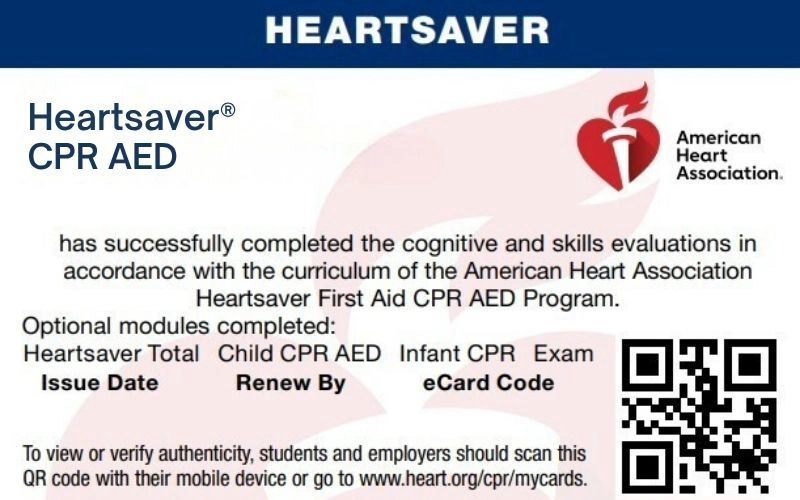
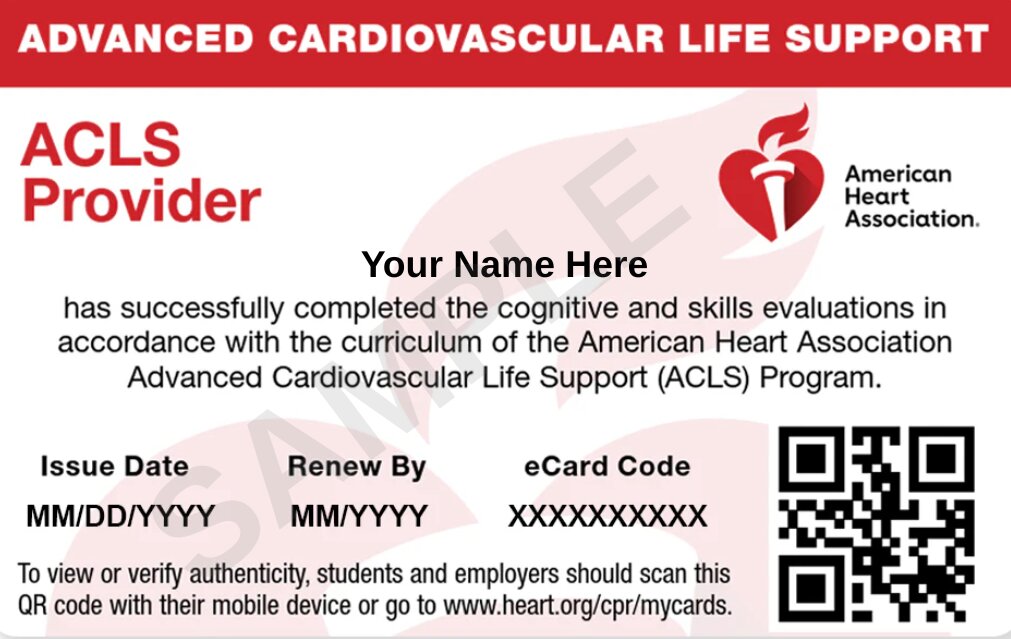
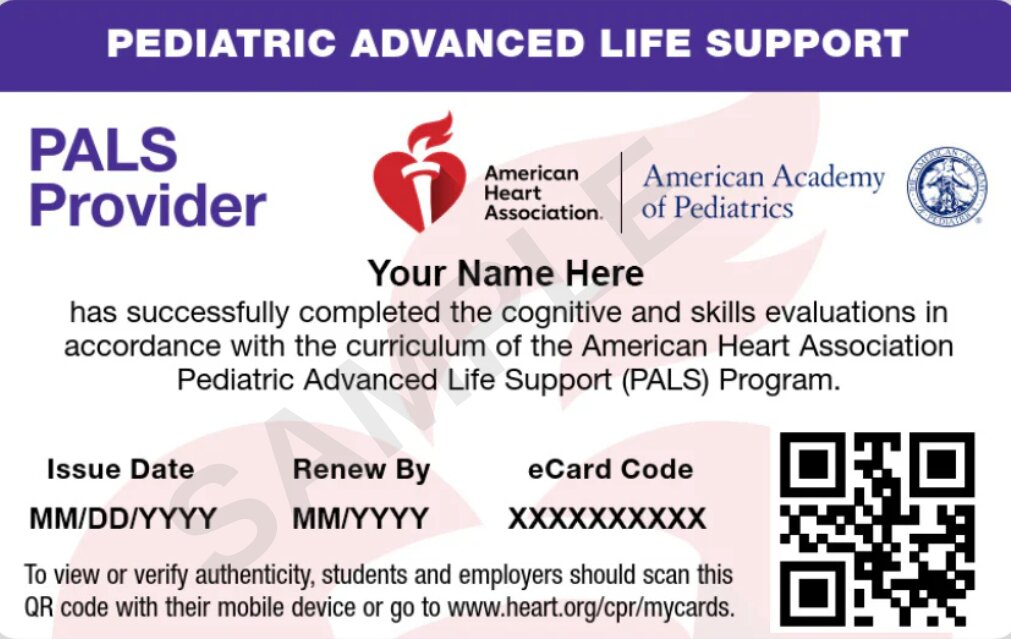
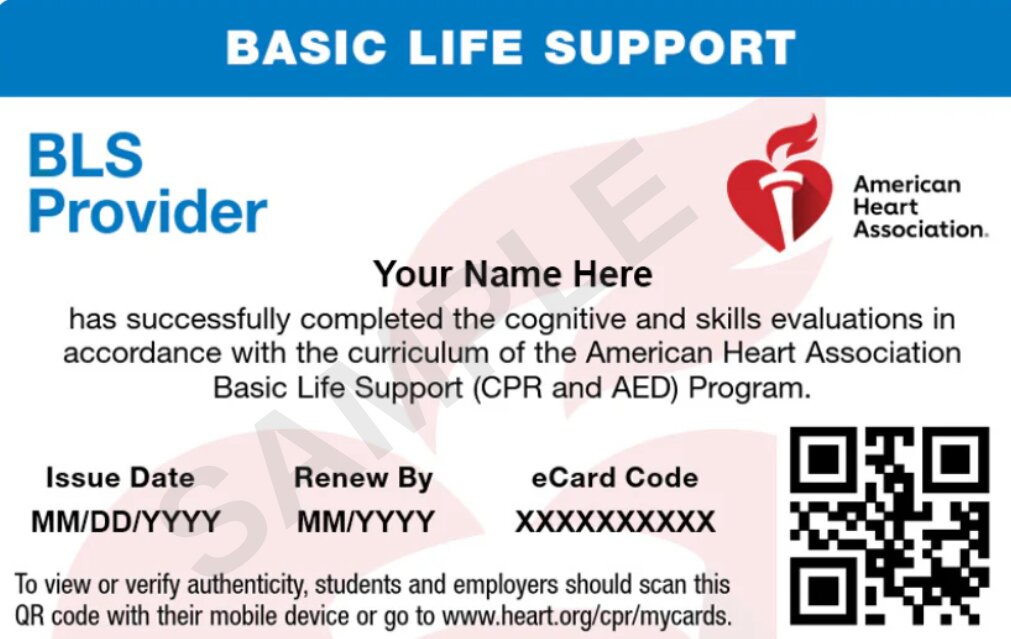
After successfully completing your AHA Self-Guided Learning course and the required hands-on skills session at a CPR Verification Station, your Training Center will issue your American Heart Association (AHA) Course Completion eCard.
Your eCard serves as proof of course completion and is available electronically through the AHA eCards platform. Once it has been issued, you can claim your card, access your certification details, download a copy, or share it with an employer.
Claim Your eCard via Email
When your AHA eCard is ready, you may receive an email notification from eCards@heart.org with instructions for accessing your certification.
If the notification does not appear in your primary inbox, check your spam, junk, or promotions folder.
1
Open the AHA notification email and click the claim link included in the message.
2
The Student Profile page will display your registration details. Check your first and last name, email address, phone number (if available), eCard code, and Training Center information.
3
If you find an error in your profile, reach out to your Training Center before proceeding.
4
Choose a security question and provide an answer that you can remember.
5
Read the terms and conditions, accept them, and click Submit.
6
Complete the course evaluation presented on the screen.
7
After submitting the survey, your AHA eCard will become available for viewing. You can download or print it for future reference.
8
Check your email for confirmation that the claiming process is complete. Save this message for your records.
Claim Your eCard Through the AHA eCards Website
You do not need the original notification email to access your certification. The AHA eCards platform also allows students to look up an issued card directly.
Choose the Student option to access the student search function.
3
Provide your first name, last name, and the email address associated with your CPR or healthcare training registration.
4
If you already know your eCard Code, you can use it to locate your certification.
5
Click Search to retrieve your available eCards.
6
Find your certification in the My eCards section. If its status shows Unclaimed, click Claim.
7
Create your security question and enter your answer.
8
Accept the AHA terms and conditions, then submit your information.
9
Complete the course survey to finish the claiming process.
10
Your AHA eCard will be accessible once these steps are completed.
Claim Your eCard by SMS Text
Students whose mobile phone numbers were added to the AHA eCard system by their Training Center may also have the option to claim their certification through SMS.
If your registered phone number is eligible for text claiming:
1
Open the text messaging application on your phone.
2
Send the word eCard to 51736.
3
Read the response message and follow the instructions provided.
4
Complete the requested verification and claiming steps to access your eCard.
How to View Your Claimed eCard
After claiming your AHA certification, you can retrieve it online whenever you need to provide proof of course completion.
Search using your first name, last name, and registered email address. You can also enter your eCard Code.
4
Click Search to locate your certification.
5
Enter the answer to the security question you established when claiming your card.
6
Select the appropriate certification under My eCards to open it.
Download your Ecard
Select View eCard and choose the card size you want:
Full: Displays the complete certification in its full-size format.
Wallet: Provides a smaller version that is convenient for personal reference.
You can then save or print your eCard.
Email Your eCard
Select View eCard and choose the card size you want:
Select Email Cards.
Enter the email address where you want the card sent.
Select Email.
Claim your achievement
How an Employer Can Verify Your AHA eCard
Employers and healthcare organizations can check a student’s AHA certification through the official eCards verification system. This allows them to confirm course completion without relying solely on a printed or emailed copy.
To verify an employee’s or applicant’s certification:
Go to the AHA eCards website.
Select the Employer tab.
Enter the eCard Code associated with the certification.
Click Verify.
Review the certification status and the information displayed by the system.
Need Help With Your eCard?
Having trouble accessing your certification after completing a course with CPR Classes California? Our team is available to help you resolve eCard-related questions and concerns.